








Practise in the song's time
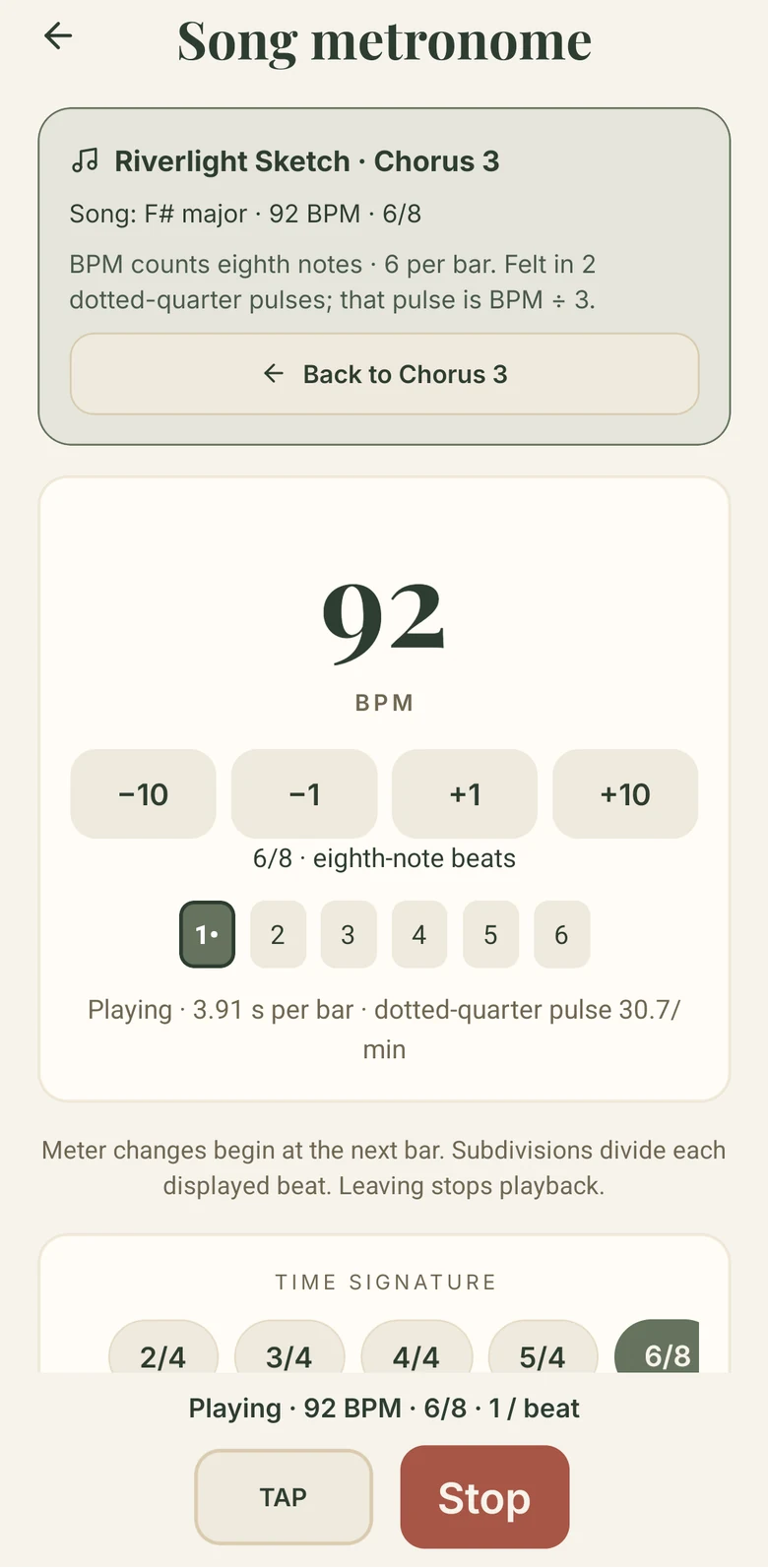
The metronome opens at the song's own tempo and meter, here 92 BPM in six-eight, so practice matches what you wrote.
Development preview
Write it. Practise it. Come back to it.
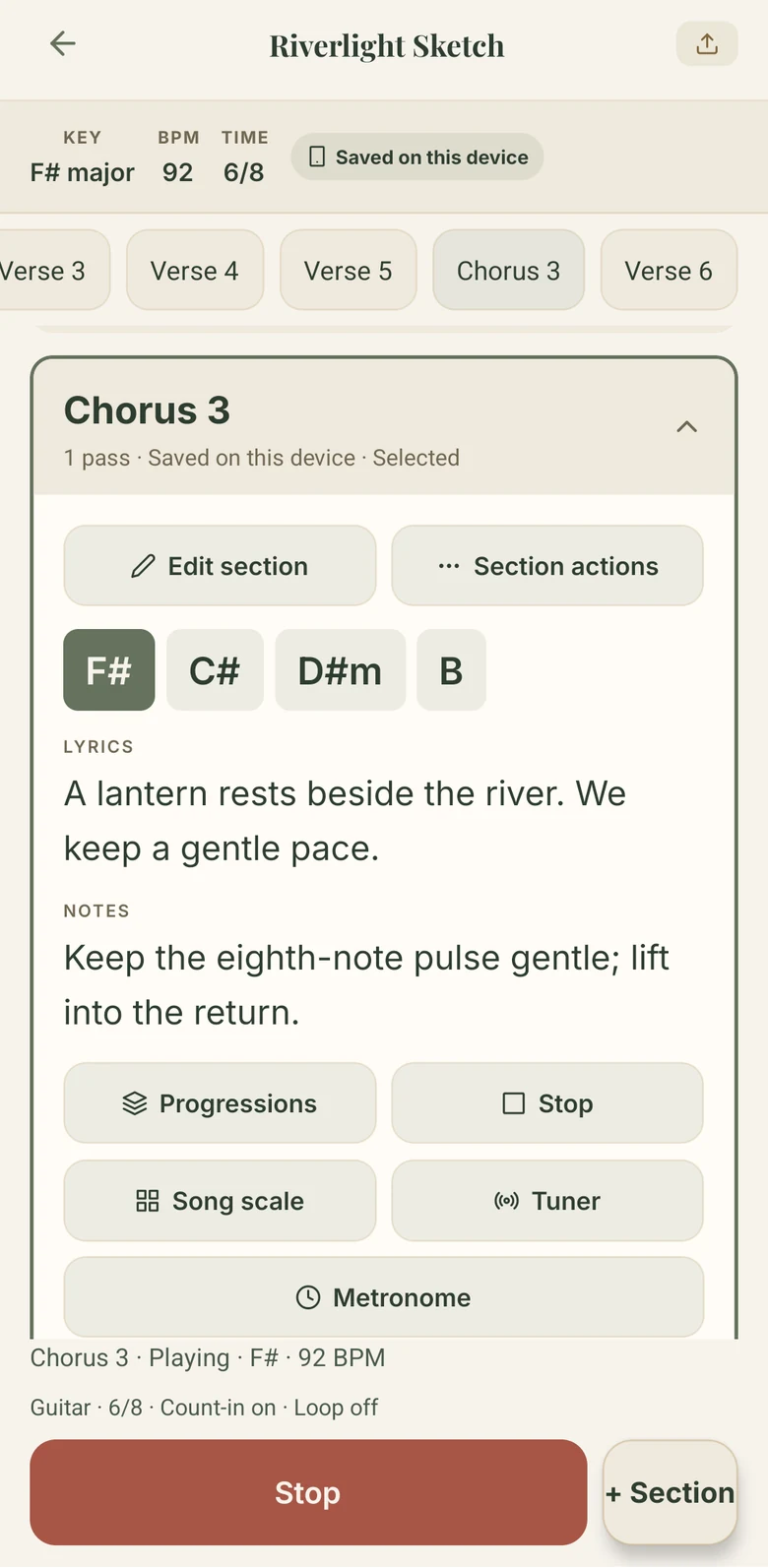
Write a section, then play it. A song section with its chords, lyric and notes, playing.
MusicSense keeps a song and the practice that goes with it together. Write each section's chords, lyric and notes, play it back, then rehearse it at a speed you choose until it sits right.
In developmentPhonesNot yet available
Rehearsal
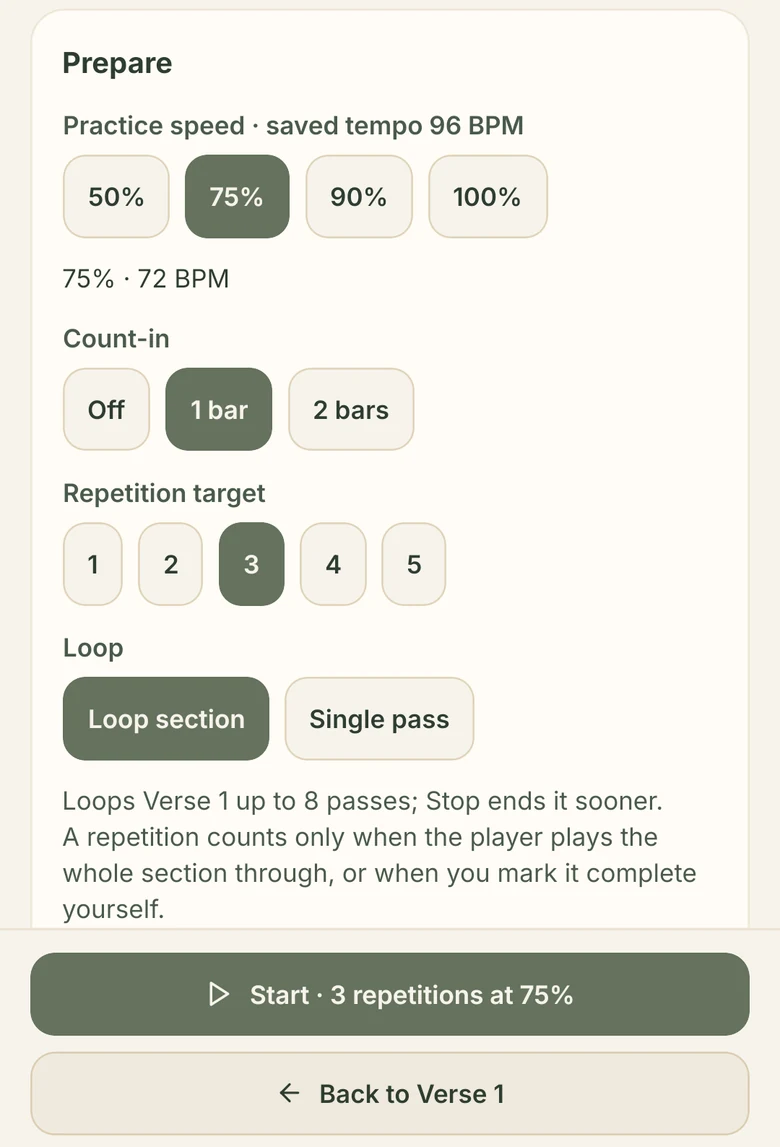
Choose a speed, a count-in, how many times to play it through and whether to loop. A repetition only counts when the whole section plays through, or when you mark it done yourself.
The songs, chords and lyrics on these screens are sample material made for development.
Writing and practice together
Chords, words and practice usually live in different places. MusicSense keeps them with the song, so the tempo you write at is the tempo you practise at.
The metronome opens at the song's own tempo and meter, here 92 BPM in six-eight, so practice matches what you wrote.
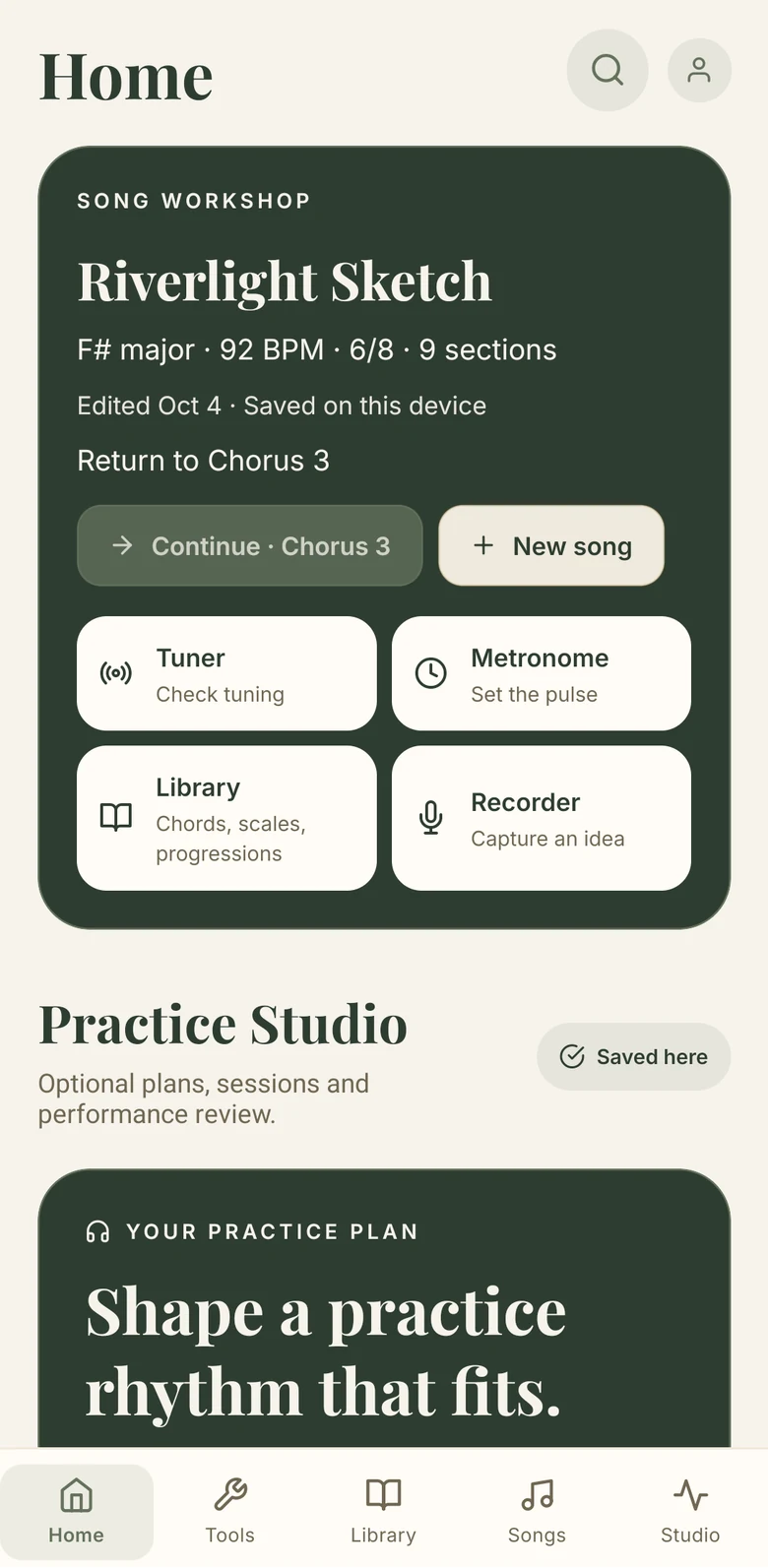
Home brings back the song you were shaping, down to the section, with the tuner, metronome, library and recorder a tap away.
Accounts
MusicSense works without an account, keeping your songs on your phone. Signing in will let a song follow you to another device; the online service behind it is still being prepared, and accounts aren't open to the public.
How accounts, saved work and deletion are handled is set out in the MusicSense privacy notice.
Where it stands
MusicSense is in development for phones and isn't available yet. The screens come from Android development builds with sample songs. Sound is part of the app, but a picture can't show it.
Follow MusicSense
We'll email you when there's testing or availability news. The next page shows how to sign up.
Follow MusicSense